Grout App: Offline Image Generation
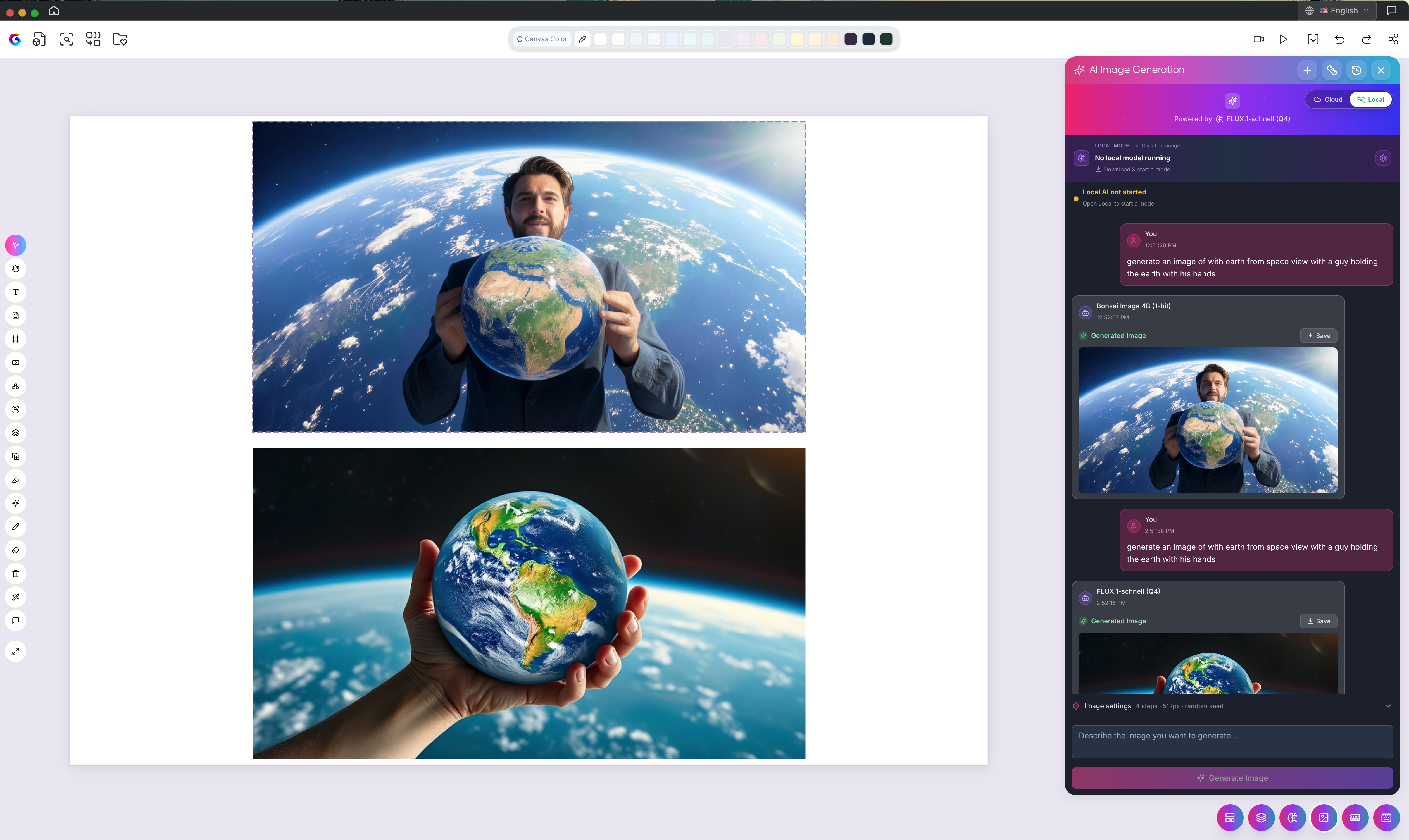
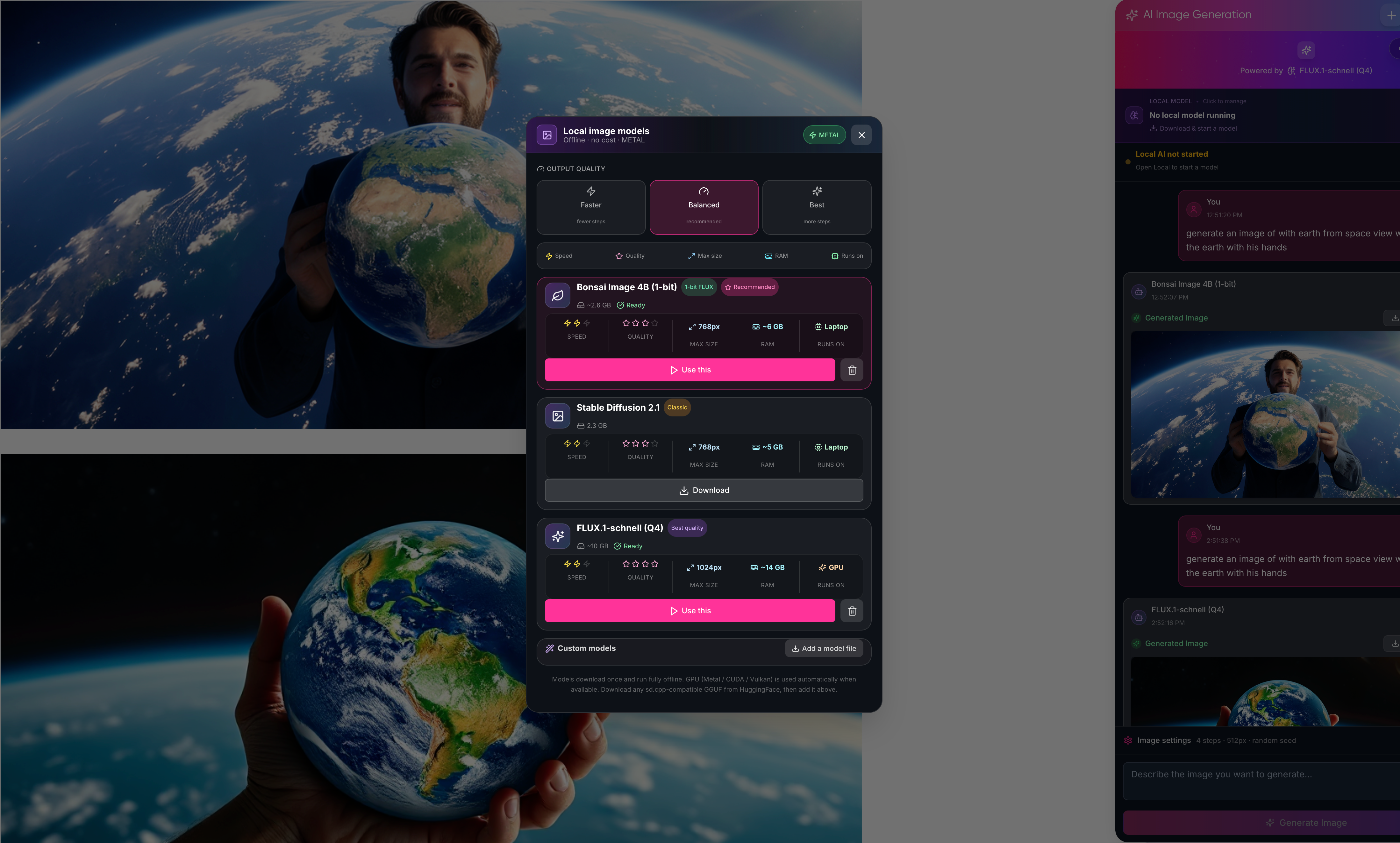
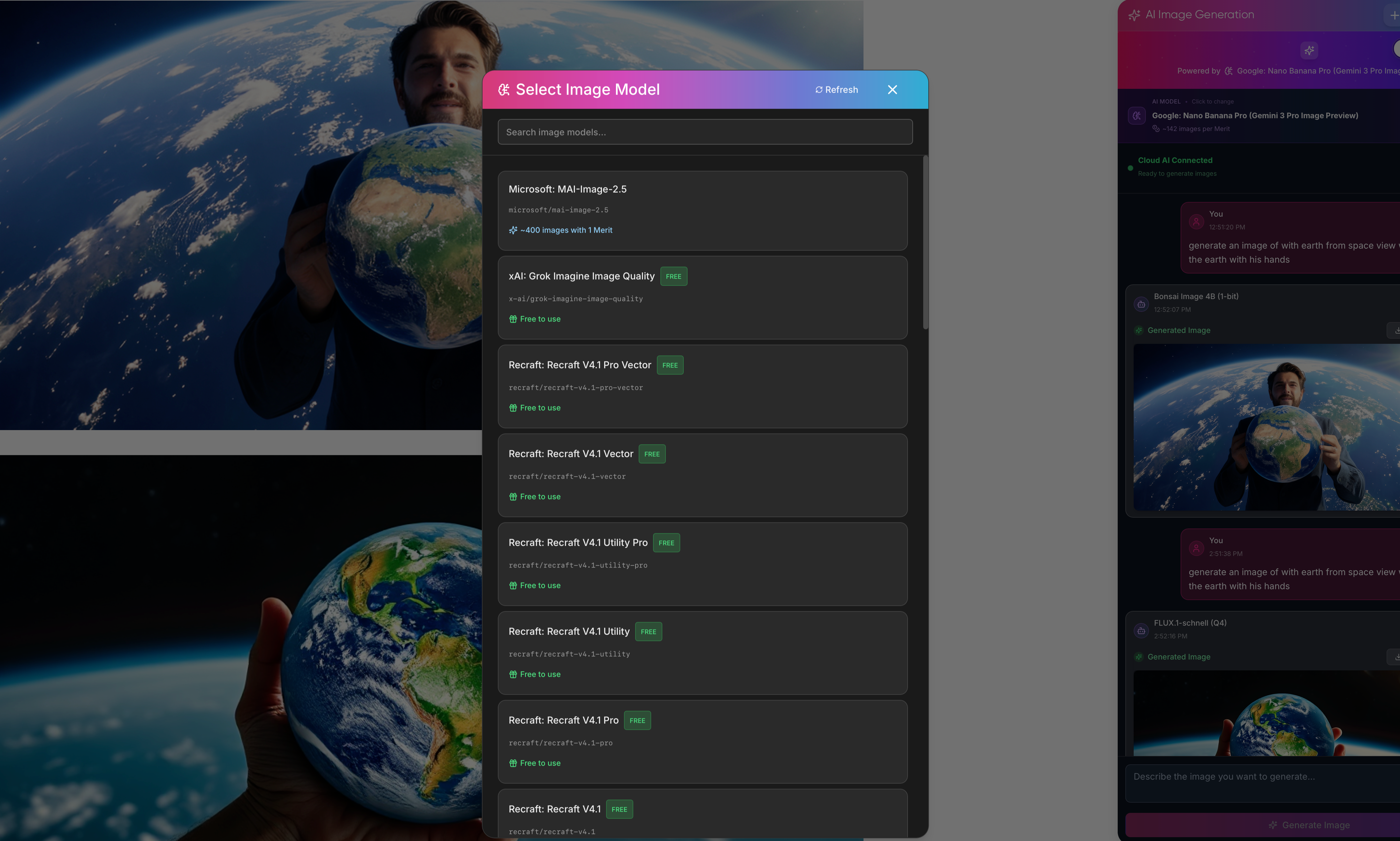
Generate images entirely offline. Grout App now supports local image generation models alongside the cloud — so you can choose between best-in-class cloud results (which use Merits) and offline models that run on your machine and don't burn any Merits.
What's new
Switch between cloud and offline models directly in the image generator.
CPU models — Bonsai and Stable Diffusion, no GPU required.
GPU models — Flux, accelerated with Metal (macOS), CUDA (NVIDIA), or Vulkan — picked automatically when available.
Bring your own model — download any
sd.cpp-compatible GGUF file from HuggingFace and add it to Grout App.
How it works
Models download once and then run fully offline. Your prompts and generated images never leave your machine when you use an offline model.
Cloud or offline — your choice
Cloud models — best quality, use your Merits.
Offline models — run locally, Merits are not consumed.
Grout App is now 100% offline-capable
With offline image generation joining Local AI and the offline-first canvas, Grout App now works end-to-end without an internet connection — research, prompt, generate, and create entirely on your machine.